OpenRemote runs in Docker Containers. Therefore, you can run it on virtually any hardware and operating system: eg. Linux, Windows, Mac OS X, either locally or on a hosted server.
We will get a project running locally by following the OpenRemote Readme: QuickStart
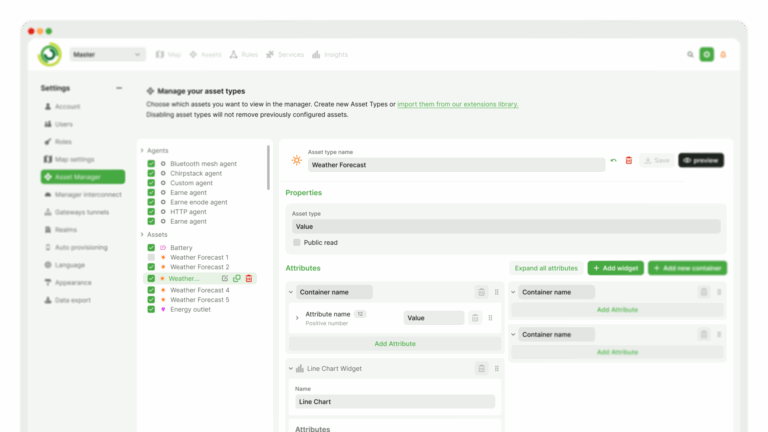
In the manager interface you can access one realm (Master) on the top right. The ‘Master’ realm contains no assets yet. Assets are digital representations of physical or logical things. The data of an asset is stored in its attributes. Attributes can contain sensor values, control commands, a location, and/or values generated by the rules engine.
In the next step we will create an asset and connect some live data to an attribute.

 DocumentationThe source of truth. Search our API references, configuration schemas, and deployment guides.
 Source CodeEverything is on GitHub. Fork it, contribute, or just see how the engine runs.
 Community ForumOur engineers and community hang out here to troubleshoot and share new features and requests.